Documentation Index
Fetch the complete documentation index at: https://doc.soleaspay.com/llms.txt Use this file to discover all available pages before exploring further.
How to sign in
The SoleasPay dashboard supports one methods of user authentication: traditional password-based authentication.Creating your account
Creation of an account in SoleasPay you need to Choose either Professional or Marchant and then fills the forms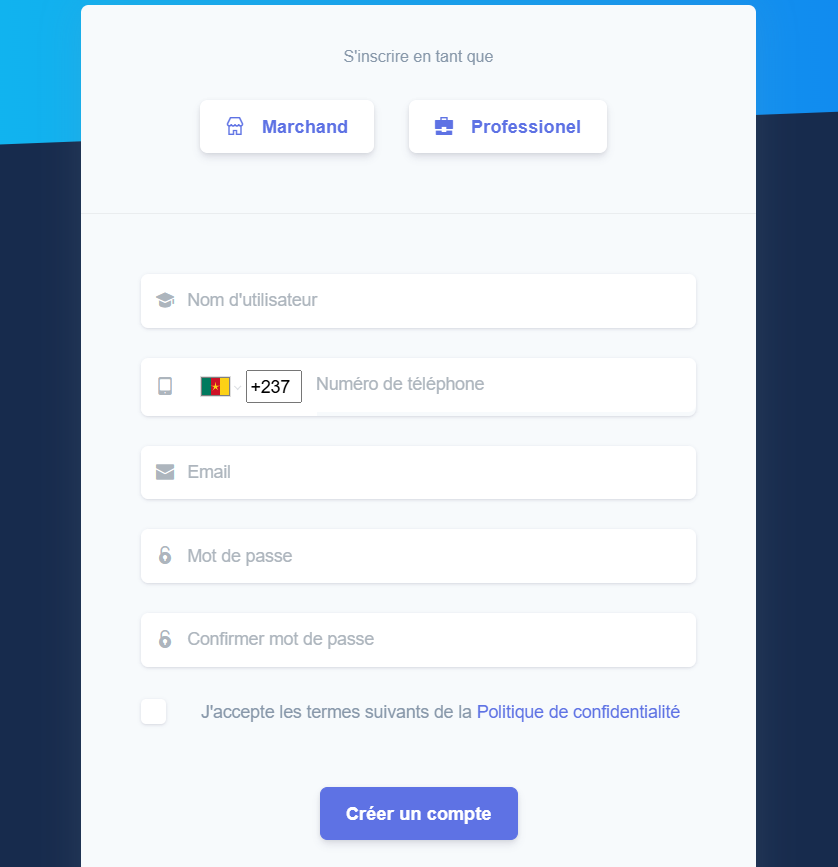 Pressing “Create Account” will take you to our Dashboardsign-in page.
Signing into the dashboard
Authentication with username and password
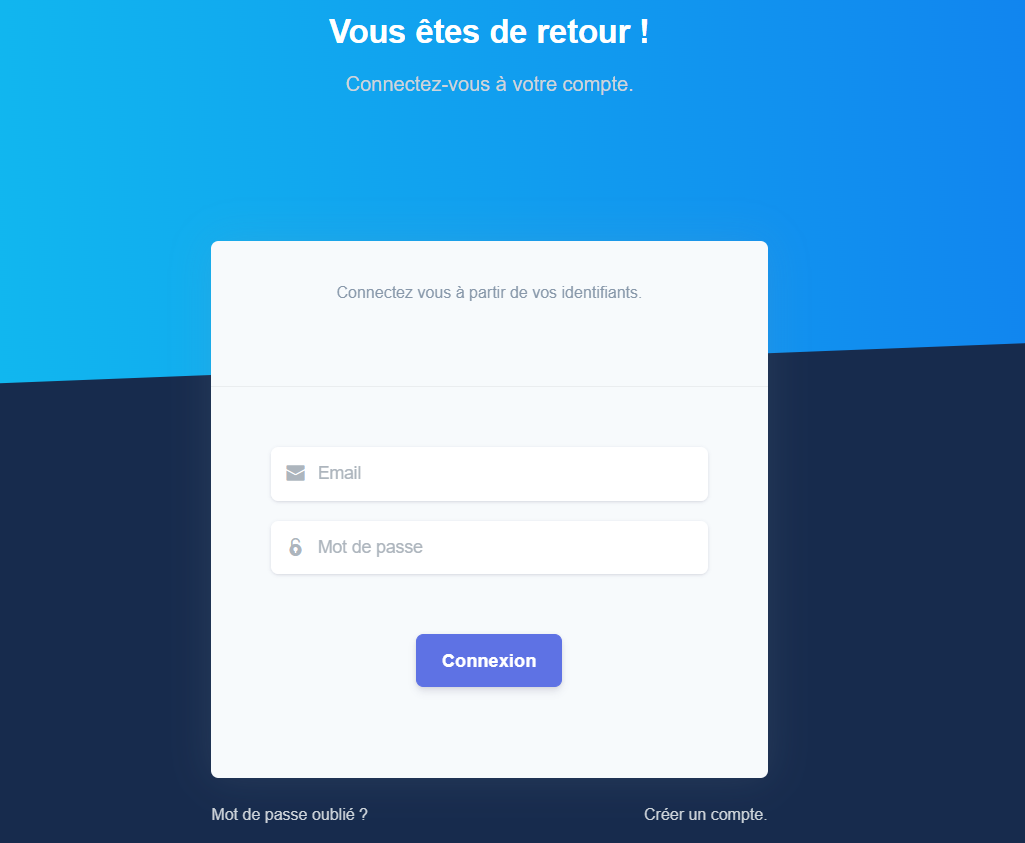
Go to our sign-in page, enter your email address, and press “Connexion”.